To upload an assembly profile, you can use the assembly upload dialog. There are multiple ways to access this dialog:
1. From the navigation bar:
The assemblies view can be accessed from the Create-Menu in the navigation bar.
Click on the icon in the navigation bar
Select the Create Assembly button in the dropdown
Create Assembly Button
2. From the Assemblies view
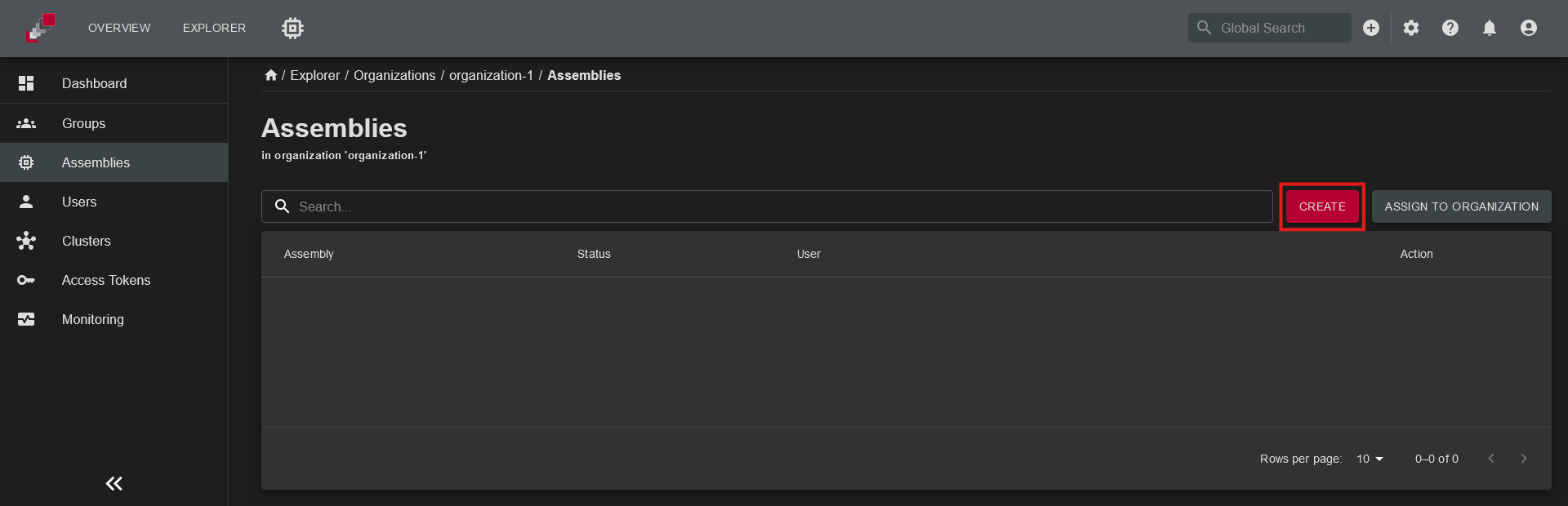
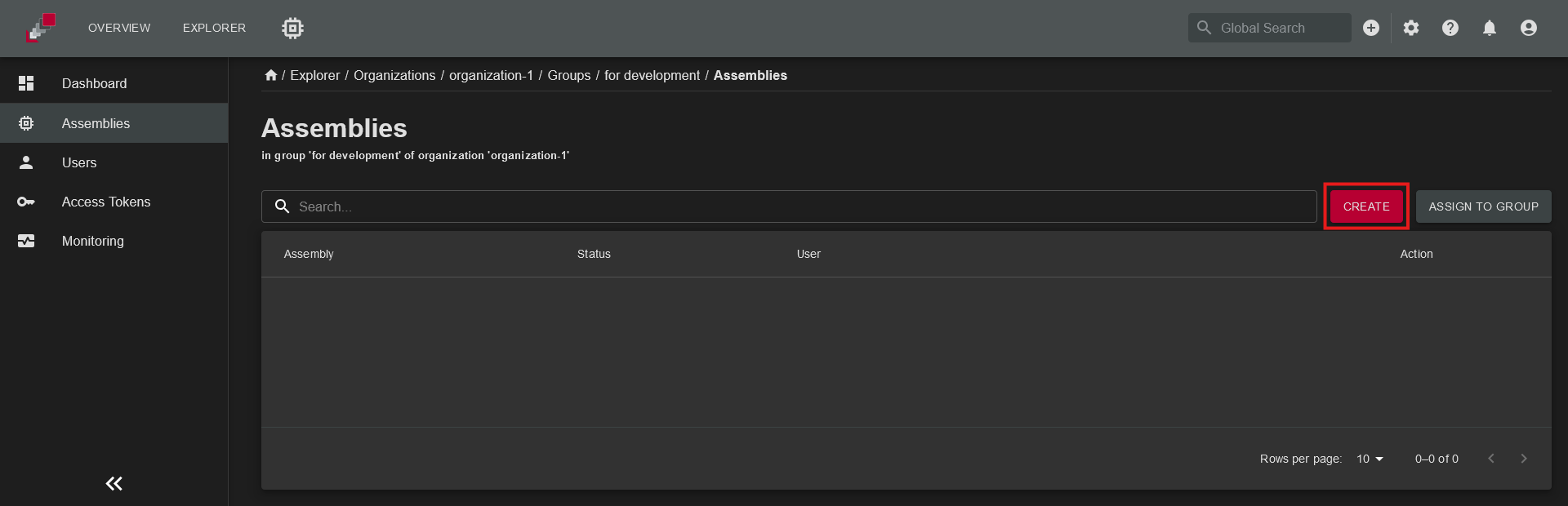
The assemblies view can be accessed from the top level of the explorer, organization and groups level, depending the scope you would like to create the assembly.
Navigate to the Assemblies view in the explorer
Click the Create button.
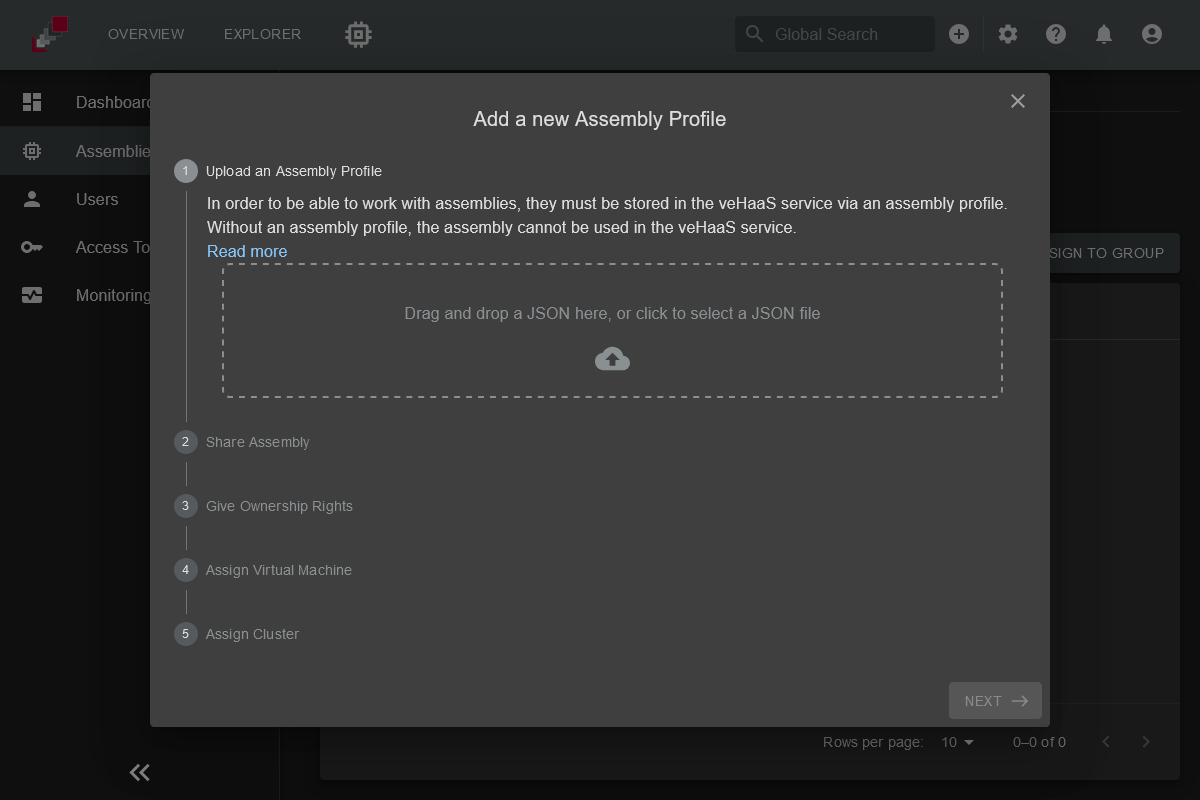
To upload a new assembly profile, follow the steps in the assembly upload dialog. The dialog window consists of a sequence of steps you can navigate through using the "next" and "back" button on the bottom right.
Upload an Assembly Profile
Choose the assembly profile JSON file you want to upload using one of the following methods:
Click on the upload form to open a file selection dialog and choose the file path.
Drag and drop the assembly profile JSON file into the upload form.
If you accidentally select the wrong file, you can remove it by clicking
the delete button or overwrite it by selecting a new file.
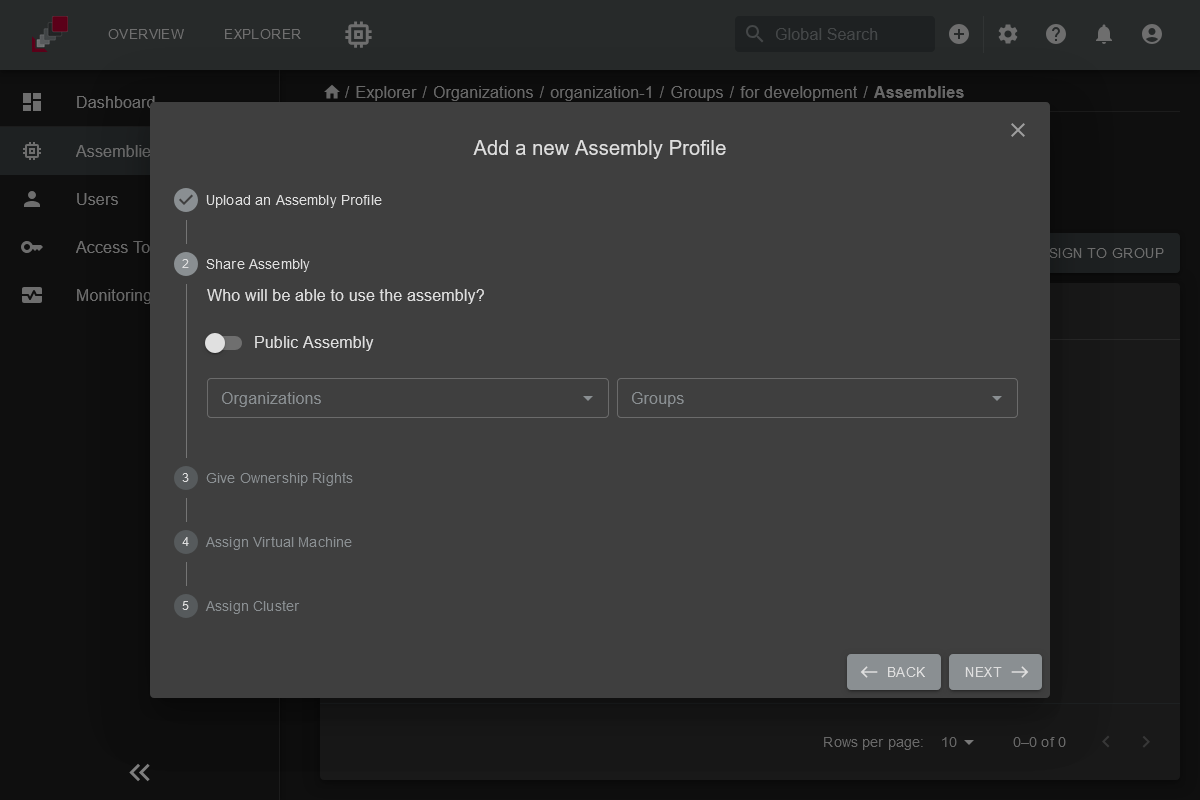
Share Assembly
Specify who can access the assembly:
Share the assembly by assigning it to specific organizations or groups.
Enable Public in Organization to make the assembly visible to all members of the assigned organization without requiring group membership.
The assembly creation dialog was redesigned in v2.5.0. The screenshot above may not reflect the current UI.
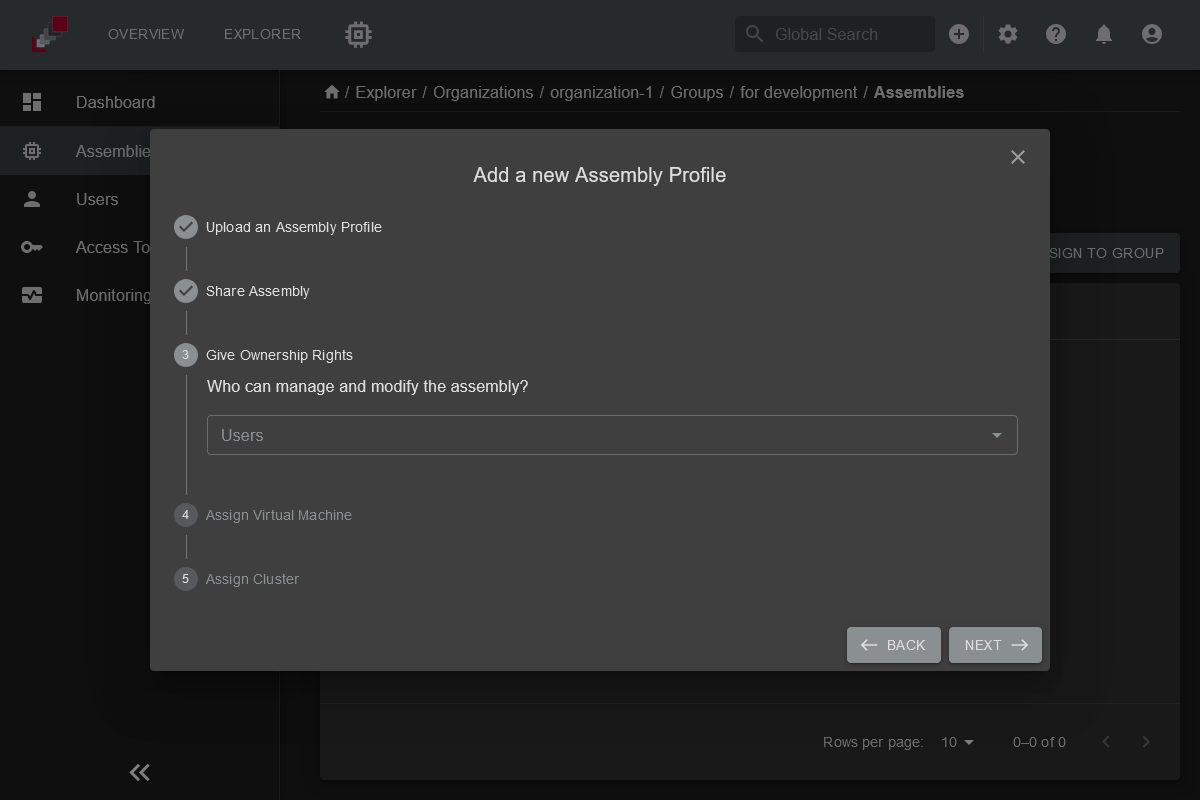
Assign Assembly Owners
Define who is responsible for managing and maintaining the assembly profile by assigning assembly owners.
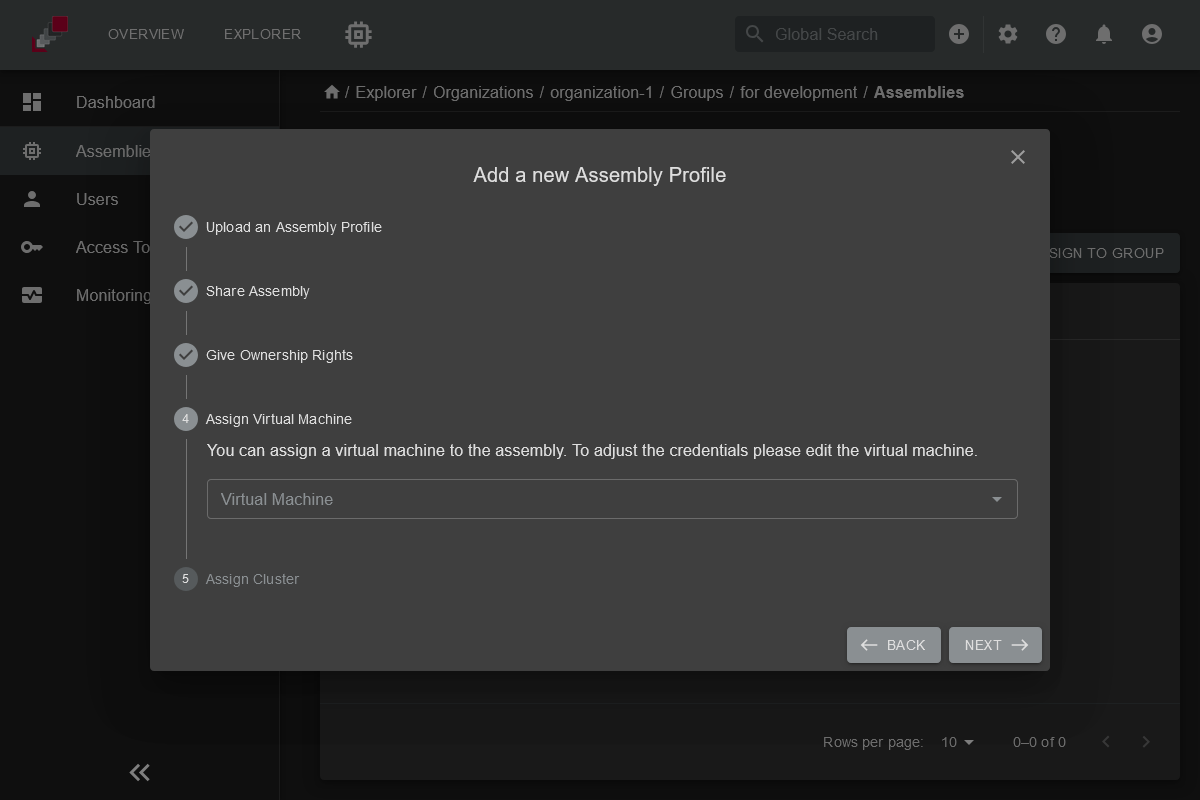
Assign a Virtual Machine
Assign a virtual machine to the assembly. Without a virtual machine, the assembly cannot be accessed.
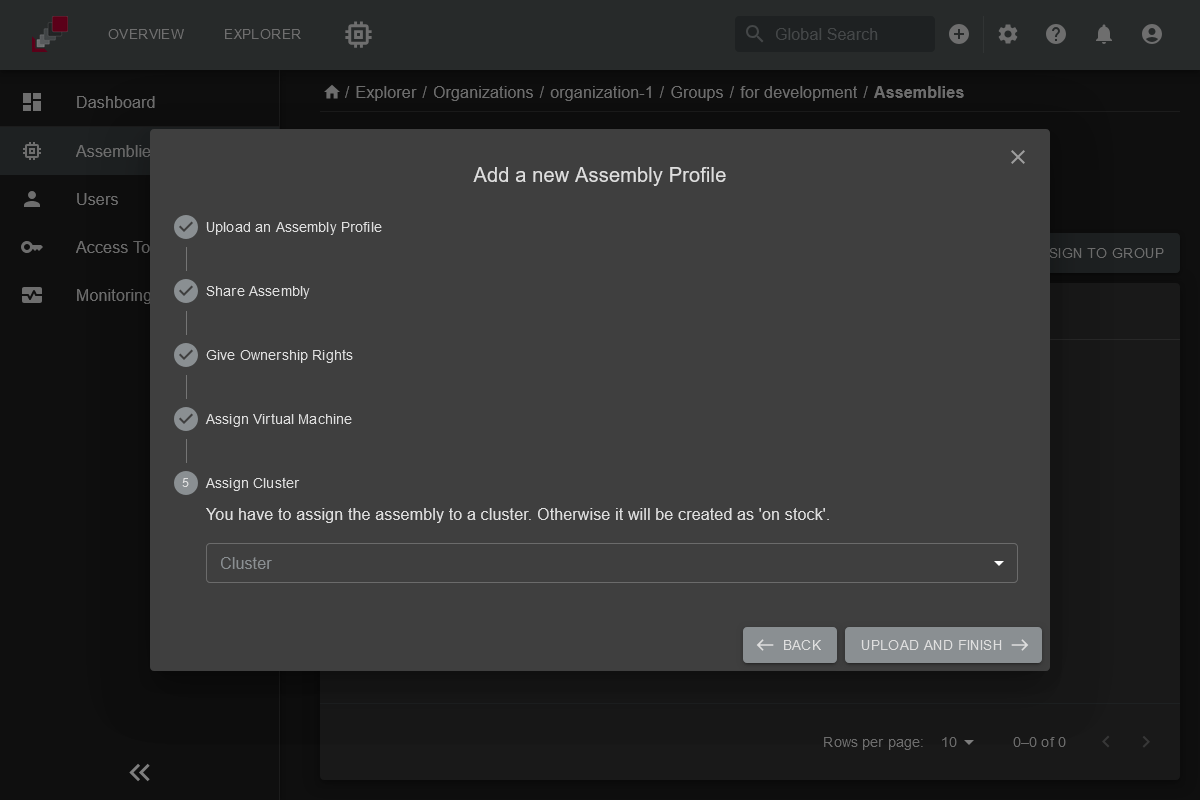
Assign the Assembly to a Cluster
Assign the assembly to a cluster. If no cluster is assigned, the assembly will be set to the status On-Stock. This means the hardware setup cannot be used because it is assumed that it's currently not connected to a server rack.
A cluster is a server rack with network connections, server connections, and a central power supply unit that hosts multiple assemblies.