Create a Virtual Machine
If you already have a VM available in veHaaS you can skip this step
To add a new assembly to veHaaS it is necessary to have a virtual machine available in veHaaS.
-

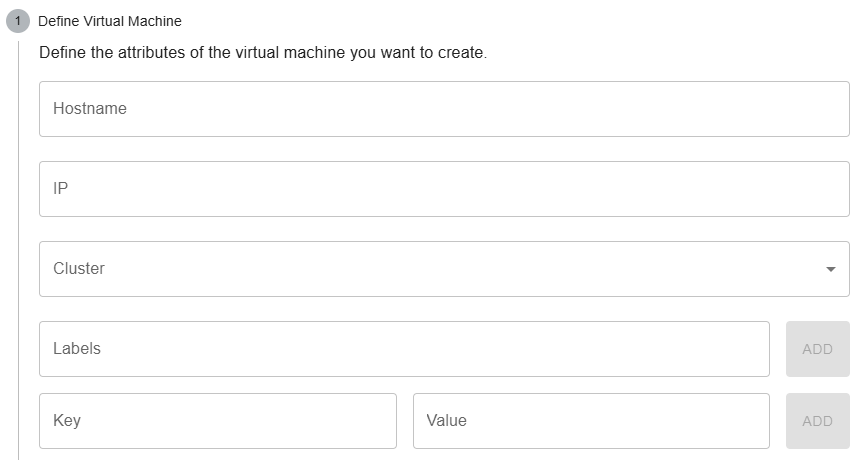
Fill out the necessary fields in the Create virtual machine mask.
Detailed 'Create virtual machine' dialog explanation
You must specify the host name and the cluster of your VM as a minimum.
Labels and Key-Value-Pairs can be specified to enable the grouping of virtual machines. e.g.
windowsortest-vm.Key-value pairs can be used even more specific: e.g.
project:dummy.This makes it possible to roll out software or query virtual machines for specific projects, etc.
Finally you need to input the credentials for the virtual machine. These will be stored in Vault.
